Image templates to inspect,
clone, and adapt
Open an example, inspect its fields and output, then clone it into the visual editor or code view. Replace the sample values with your data and test the cases your workflow will send.
Free plan available, no credit card required
Image Templates
12 templates available. Clone any template and customize it with your own data.
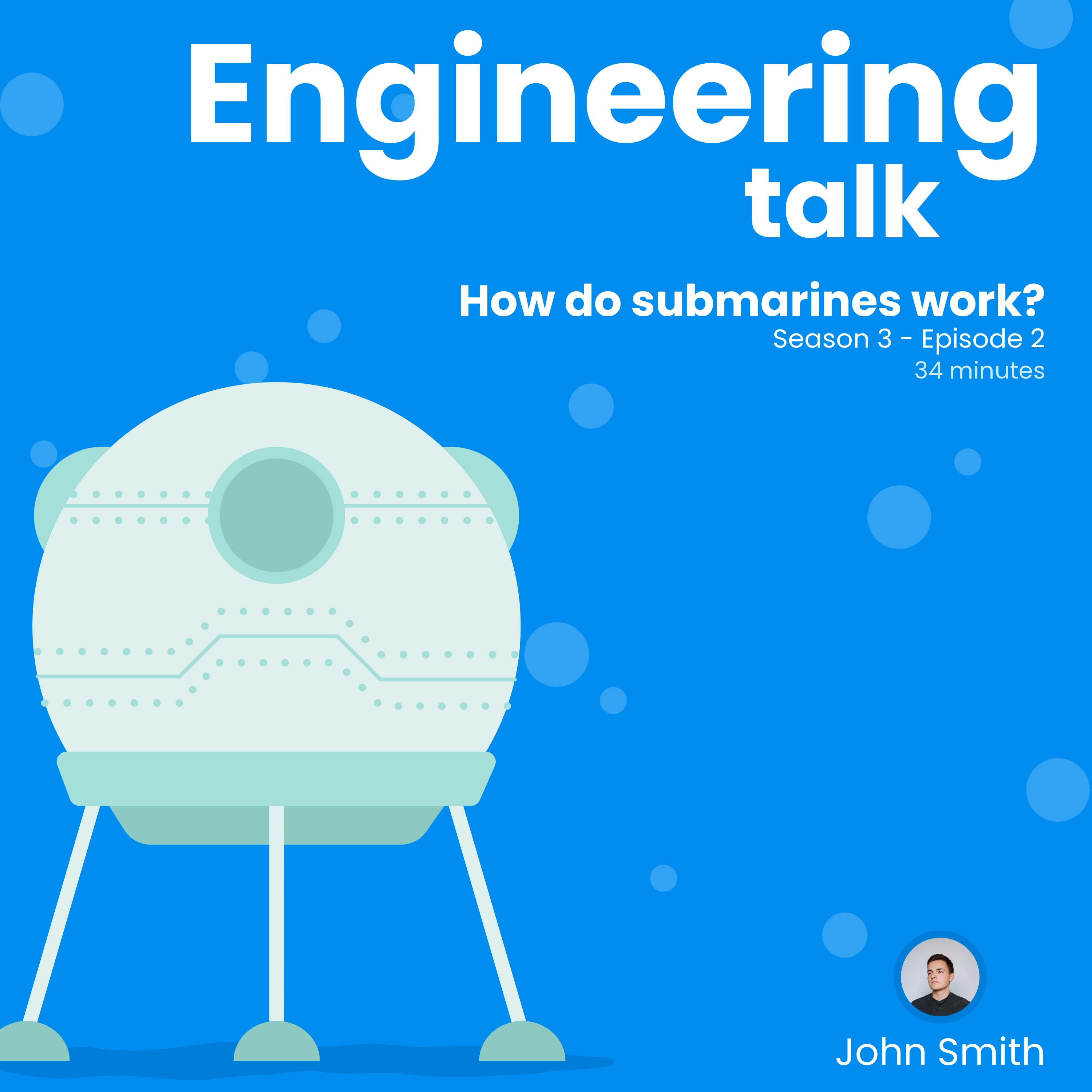
Engineering Talk Podcast Cover
A spare, modern cover for shows about engineering, technology, or science. Change the type and colors to match your show.
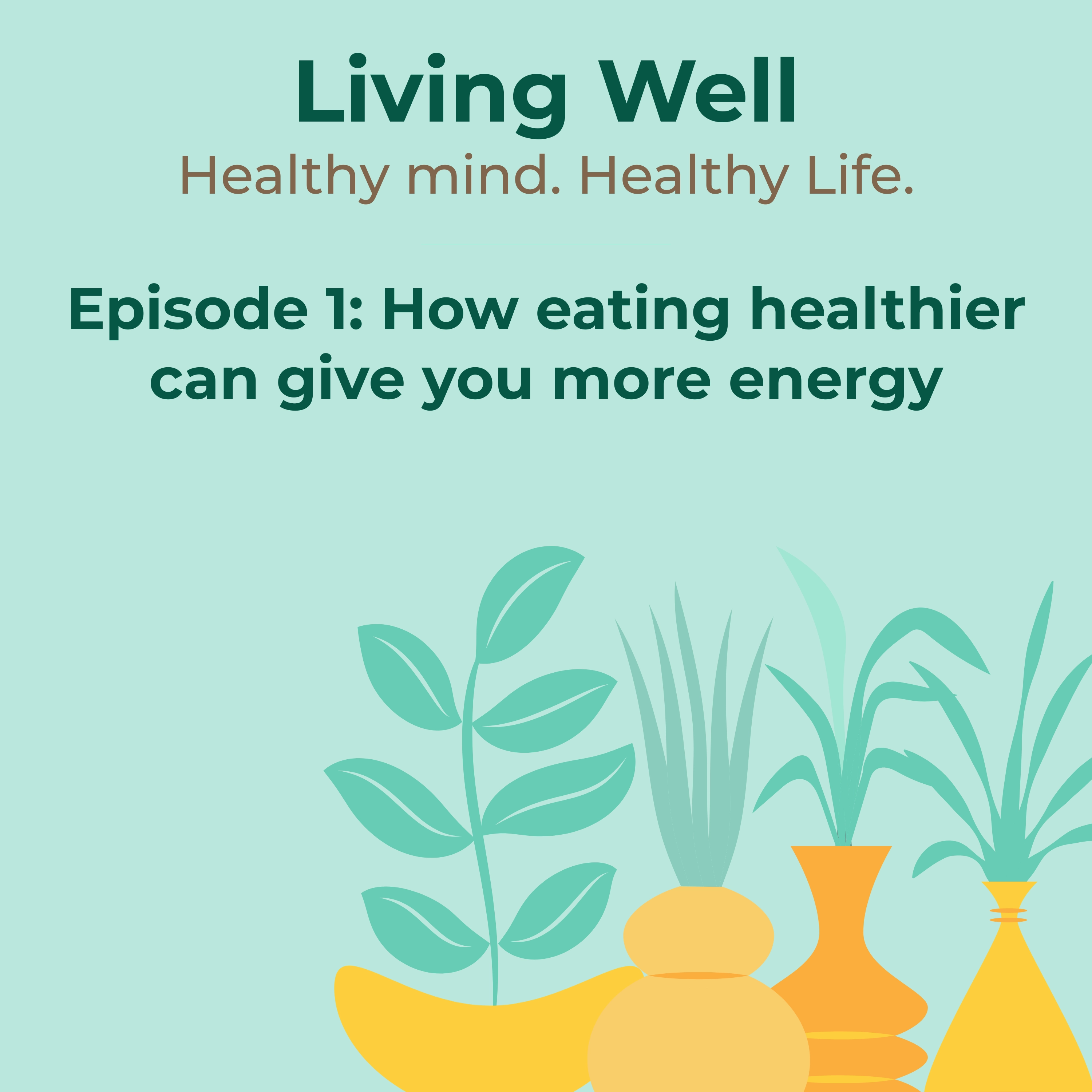
Living Well Podcast Cover
A calm cover for health and wellness shows, framed in greenery. The show title sits large, with room beneath it for the episode.
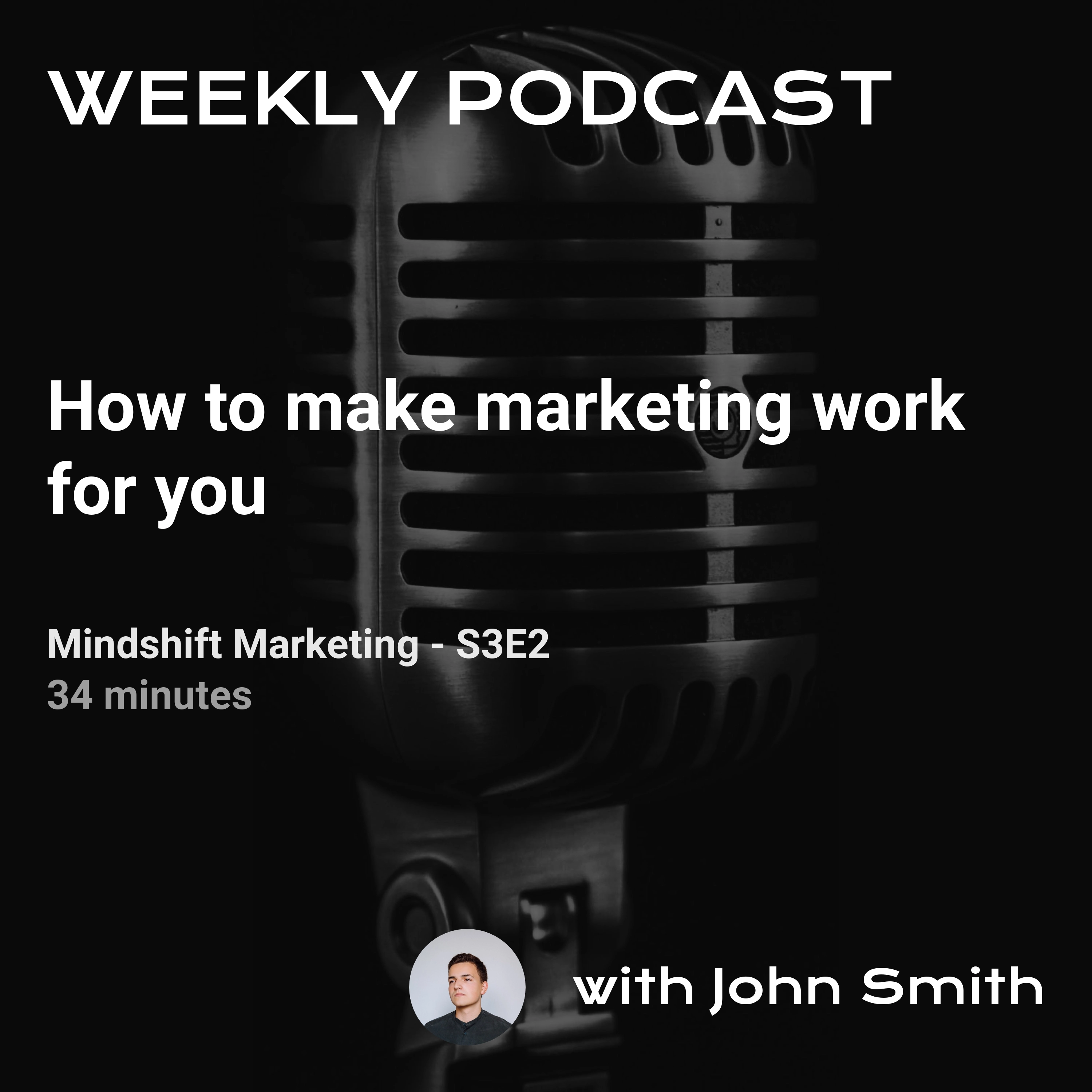
Mindshift Podcast Cover
A cover built around a photo of the host, with space for the show name, episode number, and title.
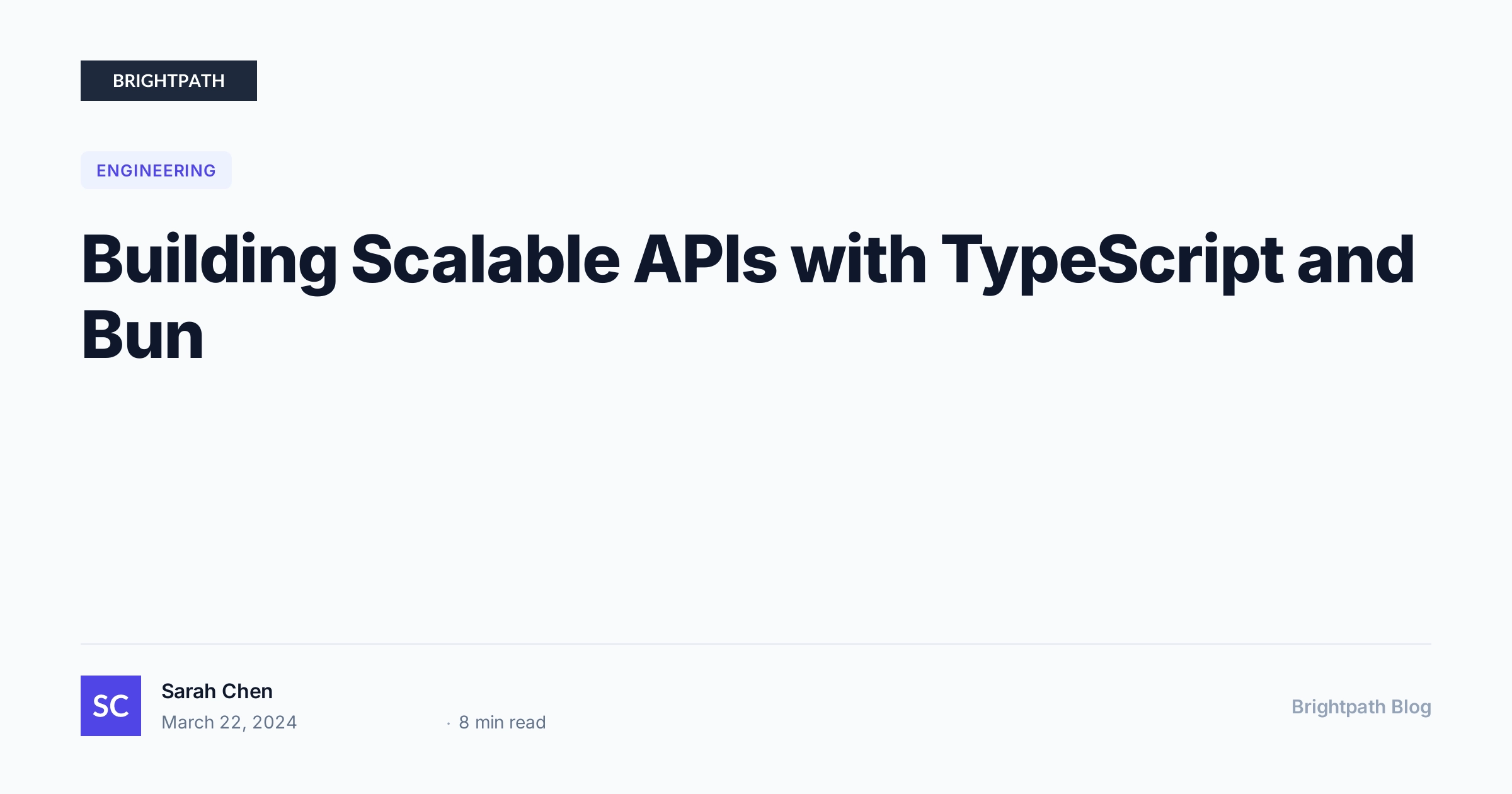
Blog Header / OG Image
An Open Graph image for blog posts and articles with title, author, category badge, and site branding. 1200x630px.
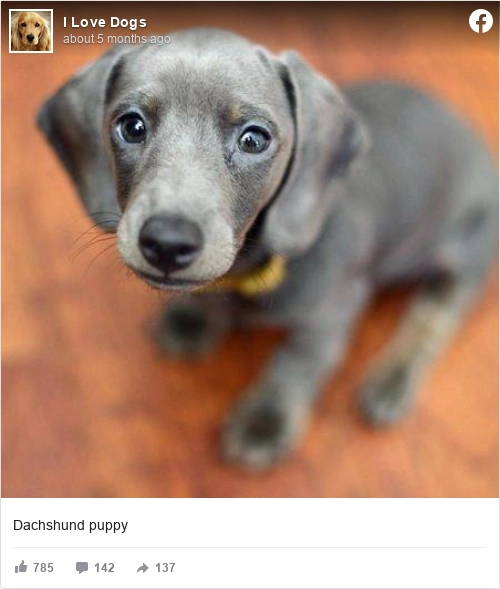
Facebook Post
Render a Facebook post as a sharp image you can drop into an article, a deck, or a case study.
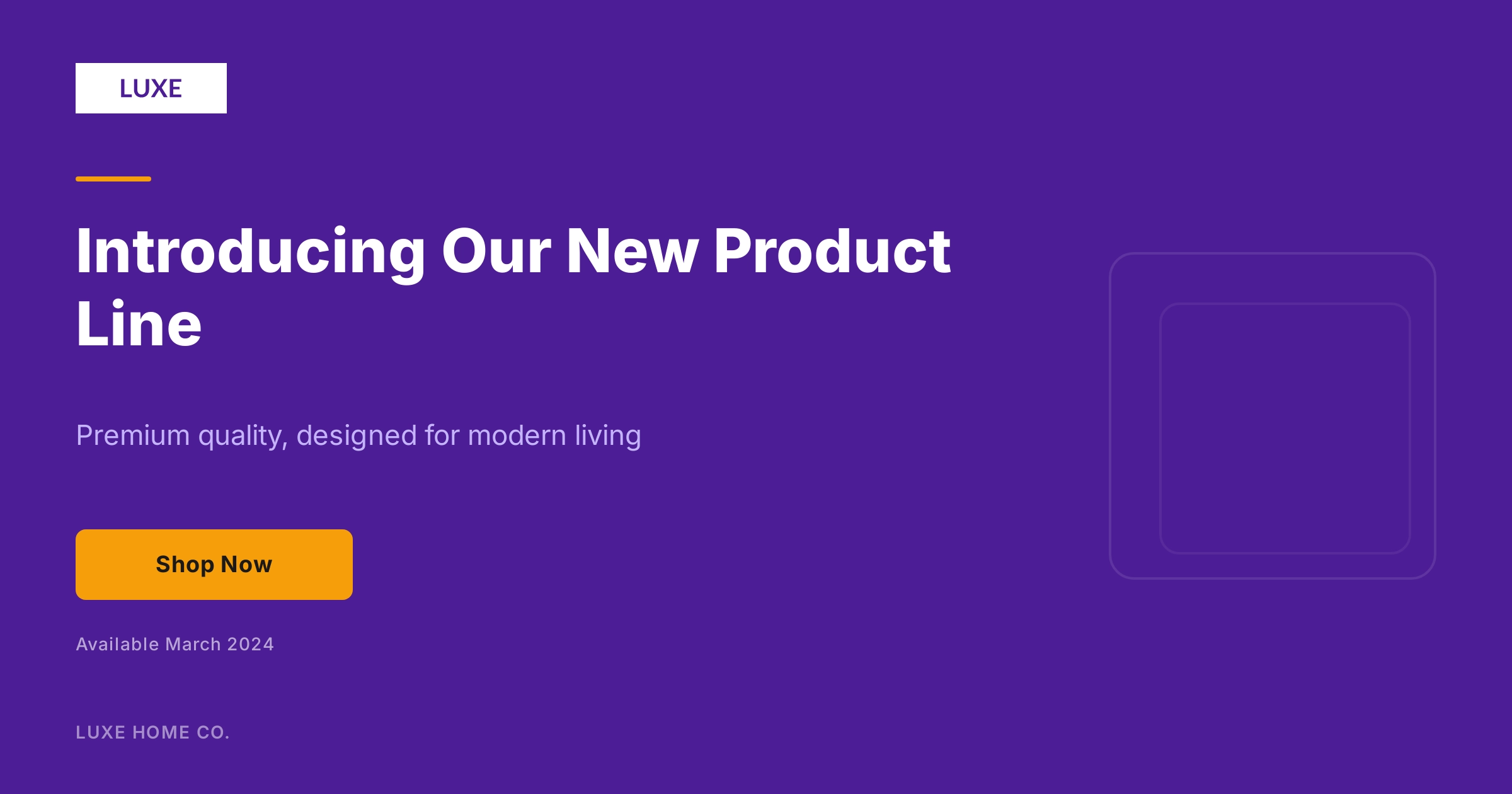
Facebook Post: Gradient
A bold social media post image for Facebook with gradient background, headline, call-to-action, and brand placement. 1200x630px.
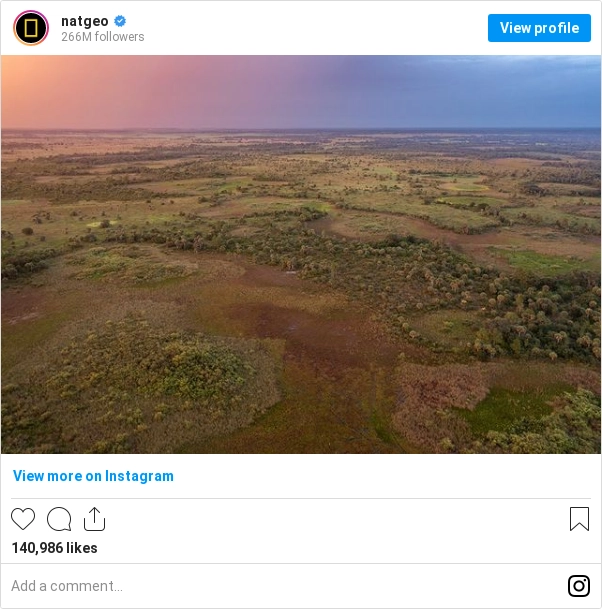
Instagram Post
Render an Instagram post as an image, sized for embedding in articles and reports rather than screenshotting by hand.
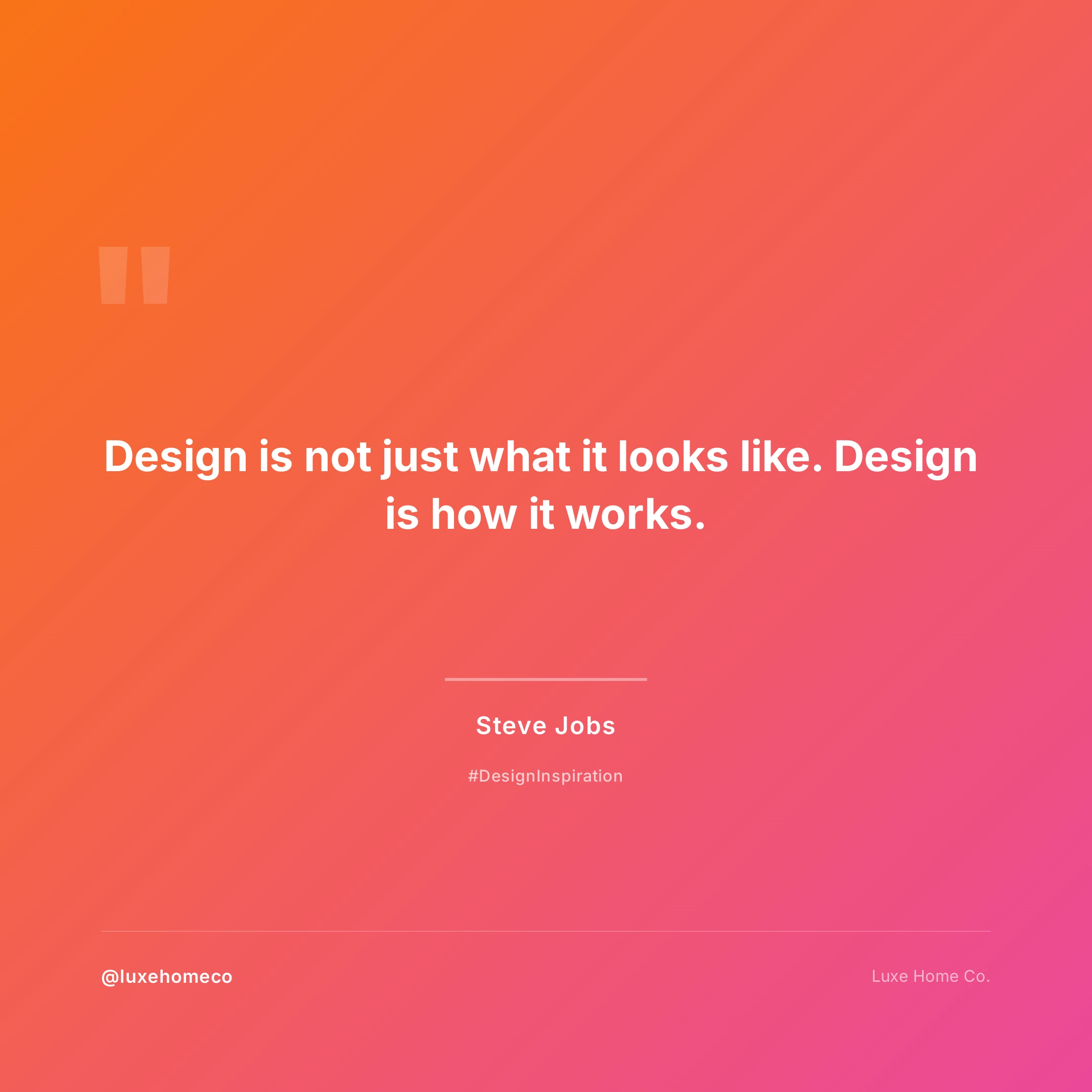
Instagram Post: Quote
A vibrant square Instagram post with gradient background, quote or headline, and brand handle. 1080x1080px.

LinkedIn Post
Dark background, a headline, and one number worth stopping for. Sized 1200x627 for the LinkedIn feed.

Twitter Tweet Dark
The same tweet-to-image template on a dark background, for posts and decks that run dark.
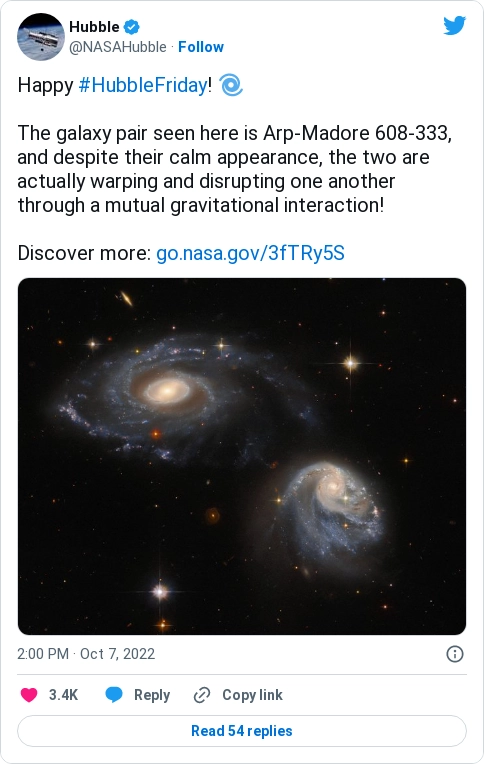
Twitter Tweet Light
Turn a tweet into a clean image for a blog post or newsletter. Light theme, with a background color you can set to match your brand.
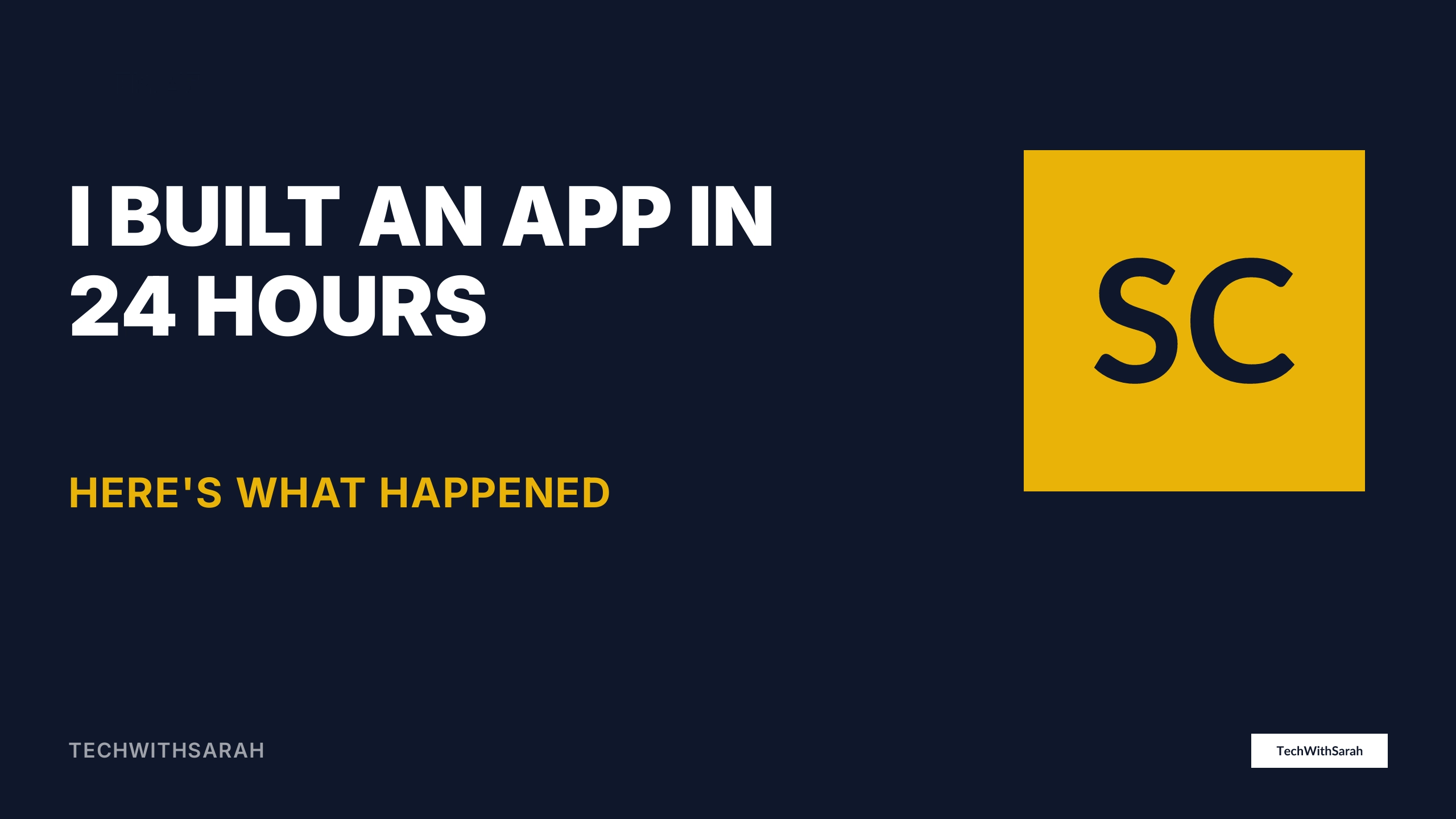
YouTube Thumbnail
A bold, high-contrast YouTube thumbnail with large text, avatar placeholder, and episode badge. Sized 1280x720px to stay readable at small scale.
What every one of these gives you
- Output
- PNG, JPEG, or WebP. Google measures WebP at 25 to 34 percent smaller than an equivalent JPEG.
- Dimensions
- Any width and height on the request, so 1200 by 630 and 1080 by 1920 come from the same template.
- Sharp on any display
- A retina flag doubles the pixel count without touching the design.
- The second request is free
- Identical requests resolve from the cache, which matters when 1 share turns into 40 crawler fetches.
- Cost
- One finished image is 1 render against your monthly allowance.
- Editing
- Open it in the visual designer or edit the HTML and CSS directly. Both views are the same template.
- Saved templates
- 5 on Starter, no cap on custom templates on Enterprise.
Choose dimensions for the channel that receives the image
A square social post, a wide link preview, and a portrait story can begin with the same design system, but they should not share one unchecked crop. Start from the destination's published dimensions, place important text inside its safe area, and render representative names, prices, and photographs before approving the template. Check the smallest phone view as well as the source file: a technically sharp image can still lose its message when an app overlays controls or trims an edge.
Keep each approved output profile beside the template rather than relying on memory. That gives reviewers a concrete width, height, format, and content case to compare when a channel changes its requirements.
Image template questions, answered
Are these image templates free to use?
You can clone any of the 12 published image templates into a free account and edit its content and branding. The free plan includes 50 renders and 3 templates without requiring a card. Check the plan table for the full limits before choosing a production workflow.
What do these image templates actually produce?
The published examples measure up to 3000 px wide and 3000 px tall. Width and height can be set for the render, while the template decides whether content reflows, crops, or overflows. Test every output profile rather than treating a resize as automatic adaptation.
What does producing these images cost?
Each finished image uses 1 render, whether a form, connector, schedule, or API request started it. Proofs and retries can use renders too. The free plan includes 50 renders and 3 templates, while the entry paid plan is $9 a month for 1,000 renders.
Can I edit a template without writing code?
The visual editor and code view share one document model. Use the visual editor for supported layout work and HTML or CSS for direct source control. Unsupported markup stays in protected regions instead of being rewritten as visual elements, so review those boundaries when switching views.
How do I fill a template with my own data?
Mark changing values as template fields, then supply validated data with each request. Reuse a template across records that share its field and layout contract. Test long text, missing values, repeating rows, locales, and image shapes because the template controls how those inputs fit.
Can I upload a template I already have?
You can create a template from existing HTML and CSS, then add the assets, fonts, variables, and render settings it needs. Browser-oriented source is a starting point, not proof of matching output. Render representative data and compare the result before using it in production.
Start generating documents
in minutes
Sign up, build something real, and move to a paid plan only when you need more capacity.
No credit card required.