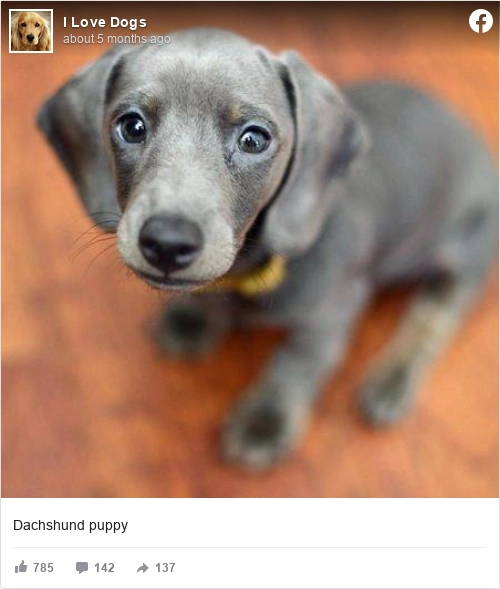
Facebook Post
facebook-post Render a Facebook post as a sharp image you can drop into an article, a deck, or a case study.
No credit card. Work in the visual designer or edit the underlying HTML and CSS.
Know what you will get before you connect data
Feed images are seen small and in motion, so the composition assumes a reader who is scrolling rather than looking.
Text is kept short because the caption underneath carries the detail.
This example uses an aspect ratio of 0.85 to 1, and width and height are set per request.
- Output size
- 500 x 589 px
- Aspect ratio
- 0.85 to 1
- Format
- PNG, JPEG, or WebP from the same template
- Resizing
- Set the width and height per request, then verify the layout at each output size
- Metered as
- 1 render per finished document
- Editing
- Visual designer or the HTML and CSS underneath, both views of one template
Why this design is a useful starting point
- Allows you capture and share screenshots of Facebook posts with others as images.
- A URL is generated to your image to share, or download allowing easy and quick access.
- Uses the Facebook default color scheme and layout.
- Increases visibility and exposure of your Facebook posts.
What is a Social Media Post?
A formatted image for posting on Bluesky, Facebook, Instagram, LinkedIn, and other social media platforms.
Check the content before you use it
The sample wording is a design aid, not legal advice. Your system remains responsible for the data it supplies and for confirming that the finished document meets the laws, policies, and business requirements that apply to its use.
Facebook Post questions, answered
Is the Facebook Post template free?
Yes. Add the Facebook Post to a free account, replace the sample content, and generate it; it comes back at 500 x 589 px.
What does it cost to use this template?
A free account carries 50 renders a month with no card, and one finished document is 1 render whichever route produced it. Paid plans start at $9 a month for 1,000 renders.
Can I use my own brand styles?
Yes. Set the colors, fonts, and spacing in the template, then check the generated image at each size you publish.
Does text on a social image affect reach?
Platforms have varied on this and their rules change, so check the current guidance for the network you are posting to rather than assuming an older limit still applies.
Should the same image go to every network?
Only if you have checked the crop on each. Networks trim different edges for different surfaces, and one square reused everywhere is how a headline loses its last word.
How many words belong on a social image?
Few enough to read while scrolling. A headline and a qualifier is usually the limit, and anything that needs a third line belongs in the post text instead.
Start generating documents
in minutes
Sign up, build something real, and move to a paid plan only when you need more capacity.
No credit card required.