Social Media Post Templates
Start with a social media post design, replace the sample content, and generate a image from your own data.
Social Media Post Image Templates
4 templates available. Clone any template and customize it with your own data.
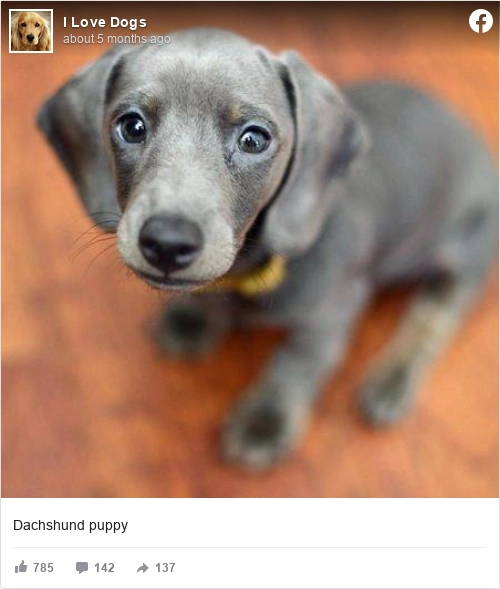
Facebook Post
Render a Facebook post as a sharp image you can drop into an article, a deck, or a case study.

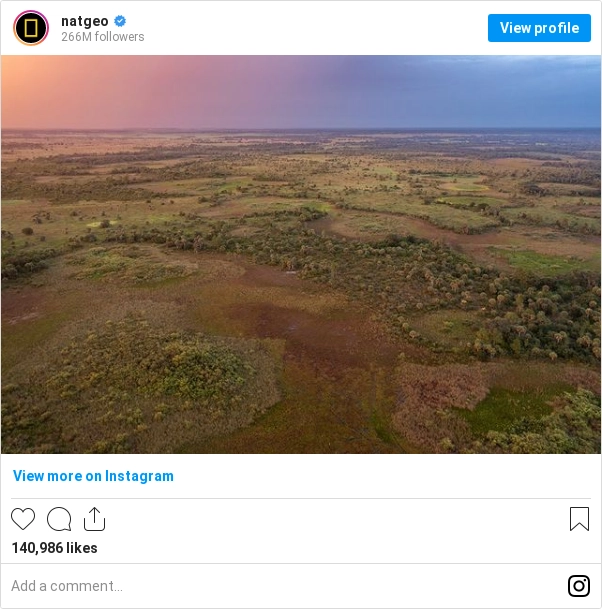
Instagram Post
Render an Instagram post as an image, sized for embedding in articles and reports rather than screenshotting by hand.

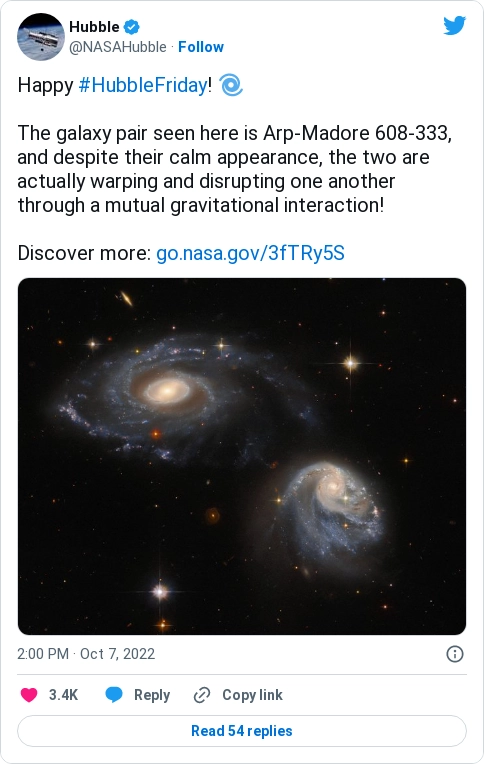
Twitter Tweet Dark
The same tweet-to-image template on a dark background, for posts and decks that run dark.

Twitter Tweet Light
Turn a tweet into a clean image for a blog post or newsletter. Light theme, with a background color you can set to match your brand.
Start with the job this social media post has to do
A social image is judged in a feed, at thumbnail size, next to everything else competing for the same second of attention. Viewers scan its text before they take in the design.
Give the reader what they need
- A single message, because a feed gives you one idea and no more
- Type large enough to survive the platform scaling it down
- Safe margins, since platforms crop differently across surfaces
- The dimensions that platform actually serves, rather than one square for all
Check the failure case before you automate it
Designing at full size and never checking the thumbnail. Most of the audience only ever sees the small version, and copy that reads comfortably at full size disappears at the size that matters.
Measured from their own output, the 9 templates here render at 2400 x 1260 px, 500 x 589 px, 602 x 609 px.
Useful dimensions and layout checks
- Square post
- 1080 x 1080 px, the size Instagram states for a square post
- Portrait post
- 1080 x 1350 px at 4:5, the tallest ratio Instagram accepts in feed
- Story and reel
- 1080 x 1920 px at 9:16
- Landscape card
- 1200 x 630 px, the size used for a link preview
- Safe area
- Keep text 250 px clear of the top and bottom on a story, where the interface sits
Social Media Post template questions, answered
What size should a social post image be?
It depends on the platform and the surface, and the platforms change them. Render the size the destination currently asks for rather than one square image for everywhere, because the crop is what removes your text.
How do I generate a post image per article or product?
Pass the headline, image, and any labels with the request. One design produces an image for every item you publish, each carrying its own content.
Why does my text disappear in the feed?
Either the platform cropped it or it is too small at thumbnail scale. Keep text inside safe margins and check the design at the size it is actually shown, not the size you designed it.
Can I use my own brand styles?
Yes. Set the colors, fonts, and spacing in the template, then check the generated image at each size you publish.
Start generating documents
in minutes
Sign up, build something real, and move to a paid plan only when you need more capacity.
No credit card required.